Fastest · 20 min
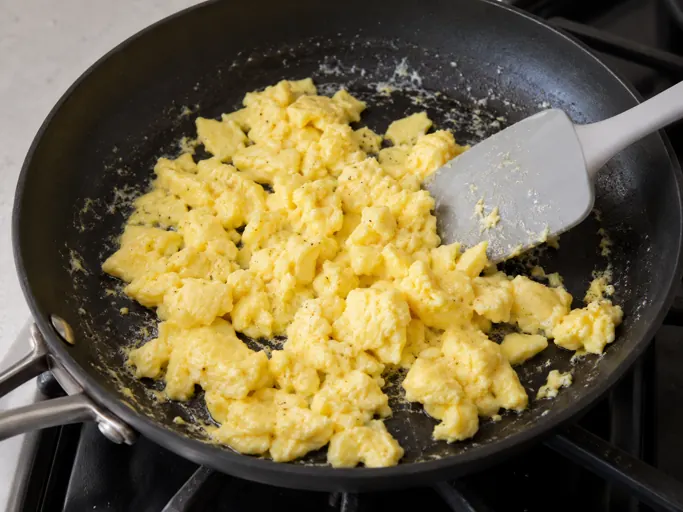
Buttery vegetable egg fried rice
Rice crisps with peppers, spinach, tomato and soft egg curds in one pan.
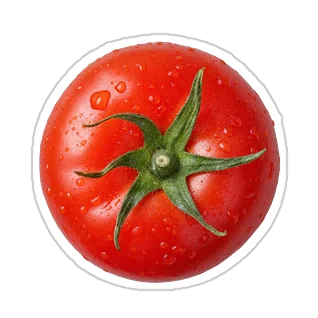
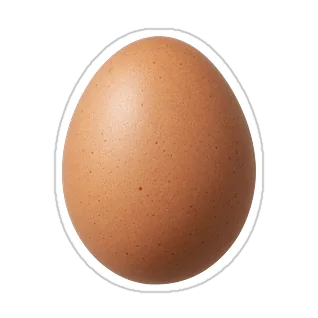
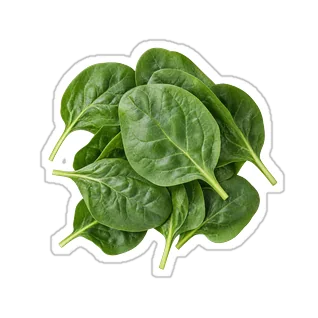
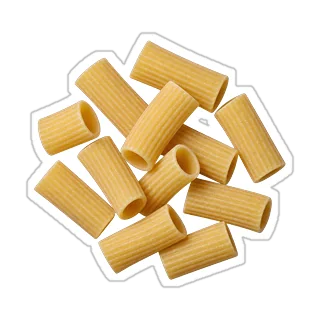
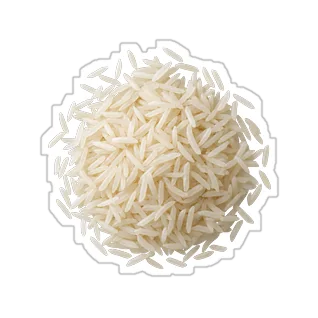
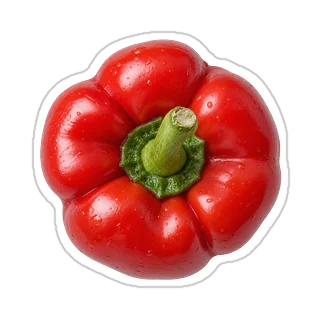
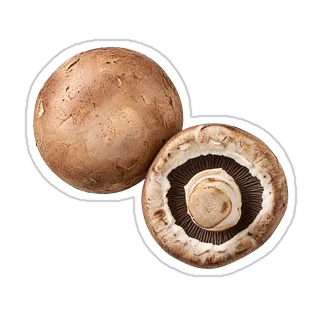
cooked riceeggsbell pepperspinachtomato
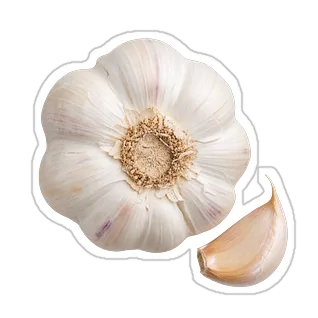
You’ll also need garlic, soy sauce, rice vinegar
3 free tries. No account or card. No download.
Rice crisps with peppers, spinach, tomato and soft egg curds in one pan.
You’ll also need garlic, soy sauce, rice vinegar
Roasted peppers hold buttery rice, spinach, tomato and eggs with caramelized edges.
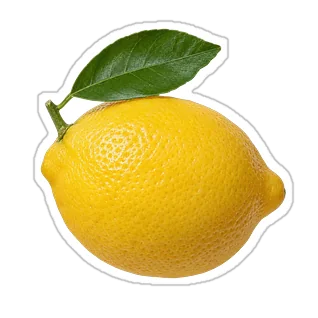
You’ll also need garlic, lemon
Fully set eggs and spinach sit in tangy tomato-pepper sauce, served over buttered rice.
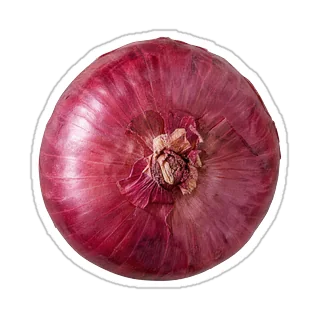
You’ll also need onion, garlic, red wine vinegar
Examples. Yours start with “Show me 3 meals.”
Use SelfMosaic now in your browser. No download.
Buttery vegetable egg fried rice
These choices aren’t saved.
Works on the web. The iPhone app is not available yet. Android is not available yet.
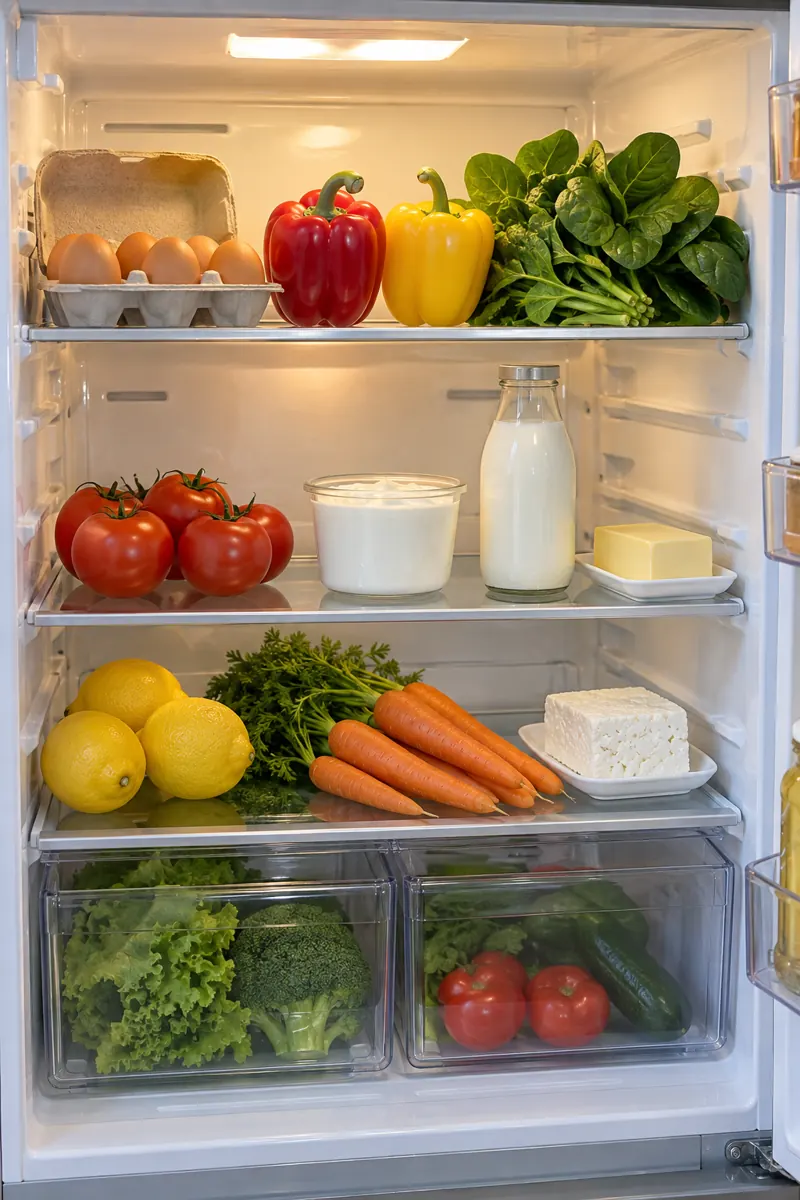 Snap your fridgeFridge illustration
A free try counts when you get three meal ideas. Daily limits also apply.
U.S. reference prices. Renews automatically. You’ll review payment before buying.
Paddle handles website payments. Cancel from the link in your Paddle receipt.
Yes, in your phone's browser, with no download. Our iPhone and Android apps are in progress and not yet available.
No. Type ingredients or add a photo.
We use your photos and list to suggest meals after you allow it.
Treat ideas as suggestions. Always check labels for allergens.
If you bought Plus on the website, cancel from the link in your Paddle receipt. If you bought through Apple, cancel in Apple’s subscription settings. Plus stays until the period ends.